> ## Documentation Index
> Fetch the complete documentation index at: https://cometchat-22654f5b-docs-uikit-customization-architecture.mintlify.site/llms.txt
> Use this file to discover all available pages before exploring further.
# Calling Integration
> Add voice and video calling to CometChat React UI Kit with Calls SDK installation, setup checks, and CallButtons verification.
## Overview
This guide walks you through adding voice and video calling capabilities to your React application using the CometChat UI Kit.
Make sure you've completed the [Getting Started](/ui-kit/react/react-js-integration) guide before proceeding.
## Add the Calls SDK
Install the CometChat Calls SDK:
```bash theme={null}
npm install @cometchat/calls-sdk-javascript
```
## Verify Integration
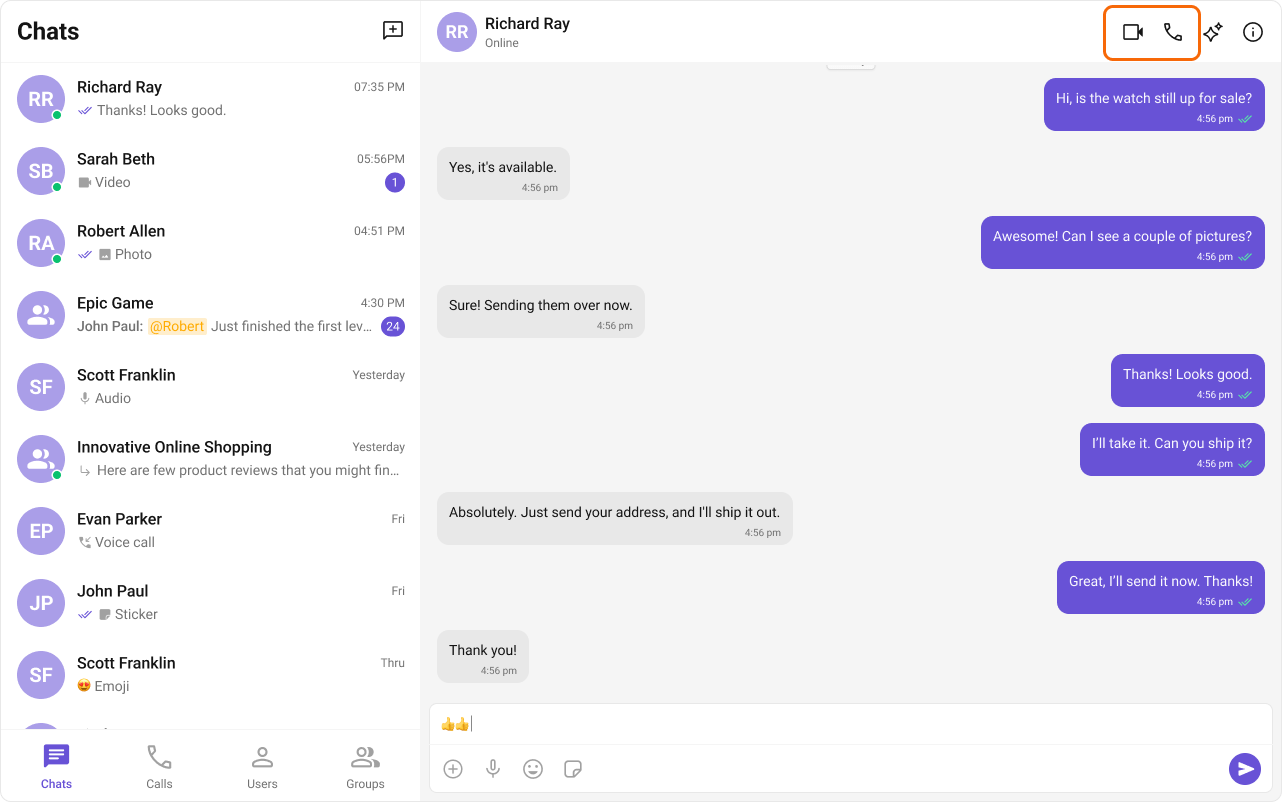
After adding the dependency, the React UI Kit will automatically detect it and activate calling features. You will see [CallButtons](/ui-kit/react/call-buttons) rendered in the [MessageHeader](/ui-kit/react/message-header) component.